Lesson 10Free preview
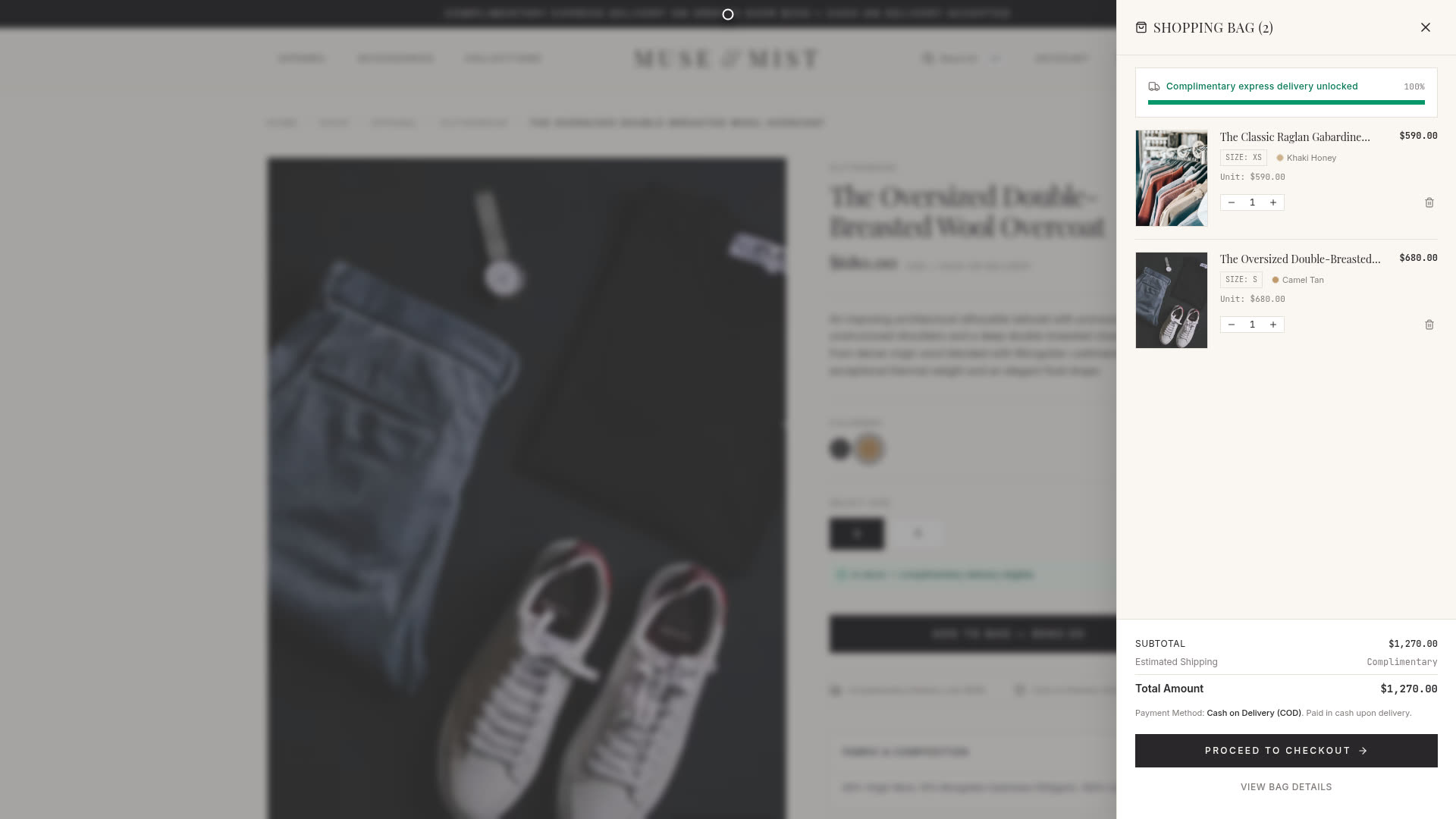
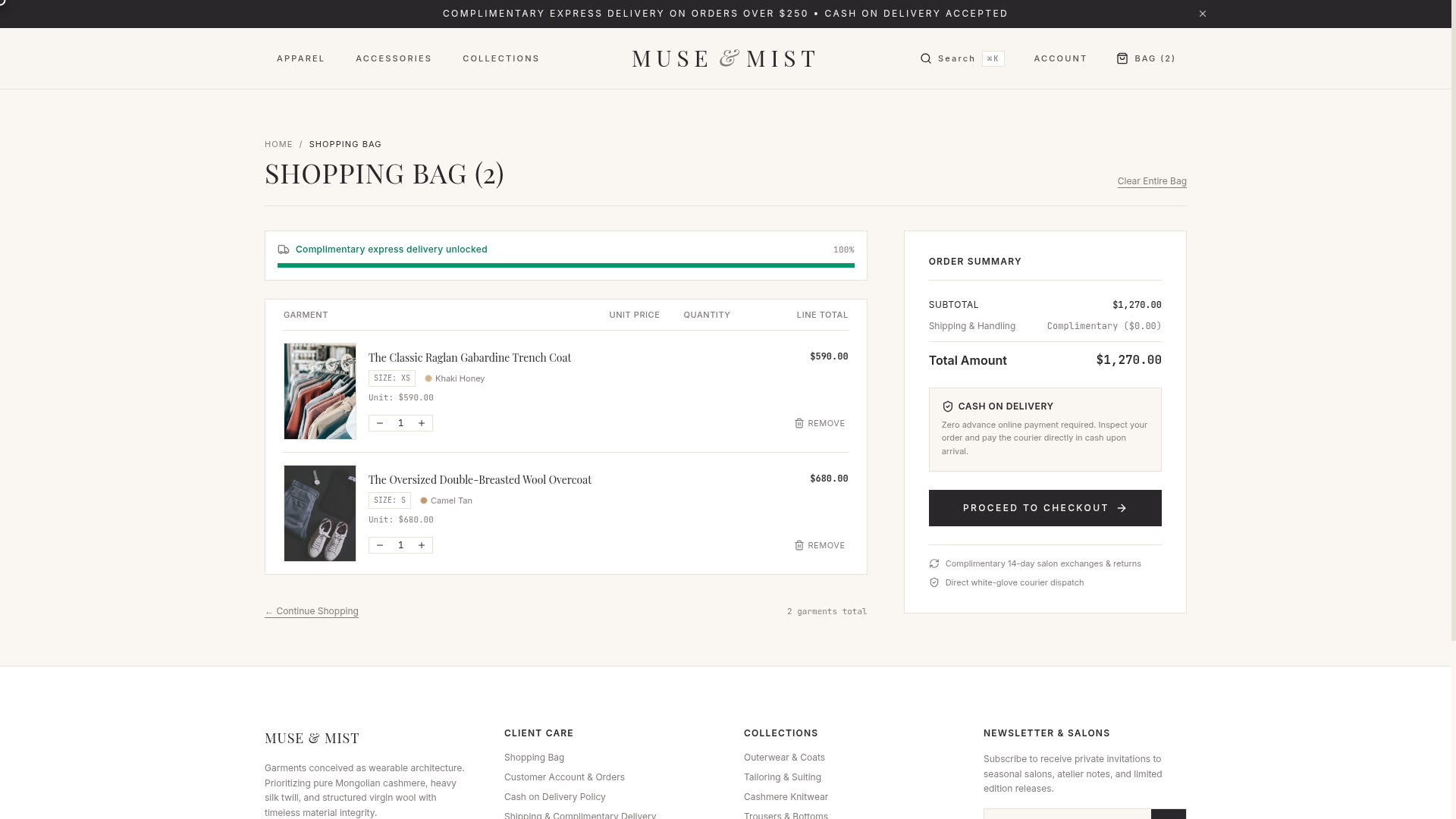
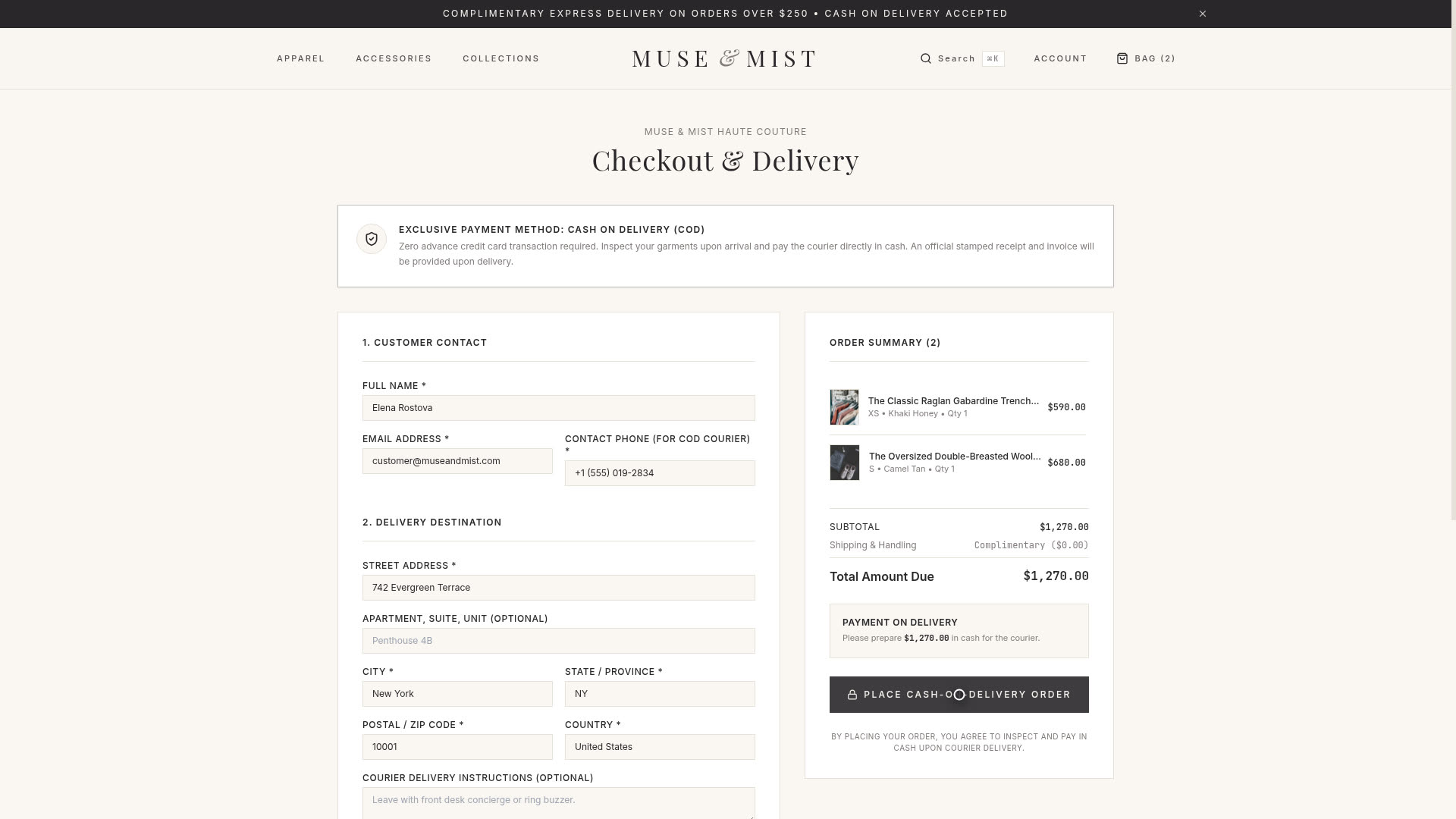
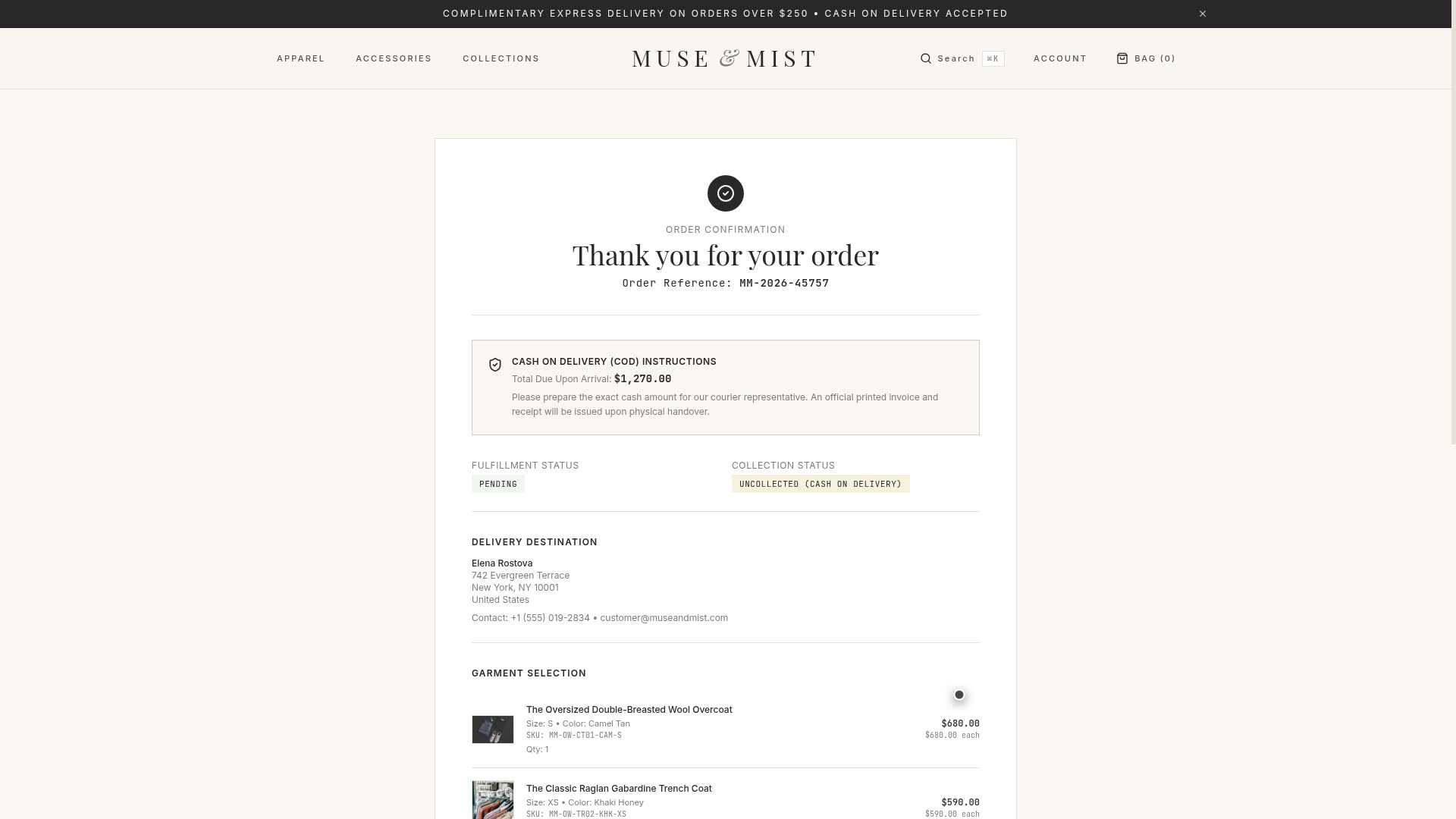
Step 6 — Shopping cart & checkout
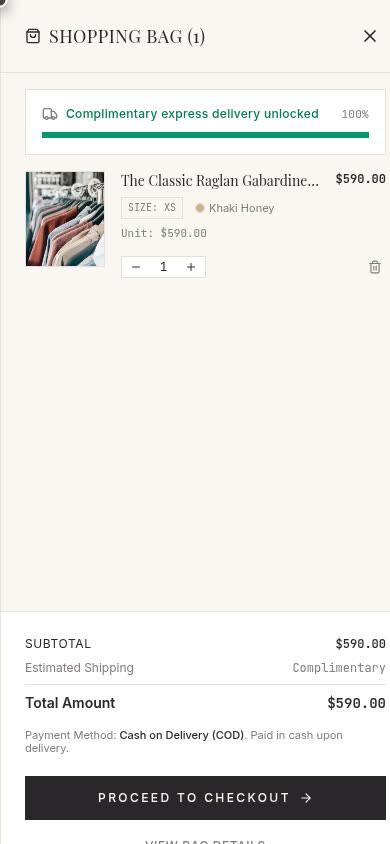
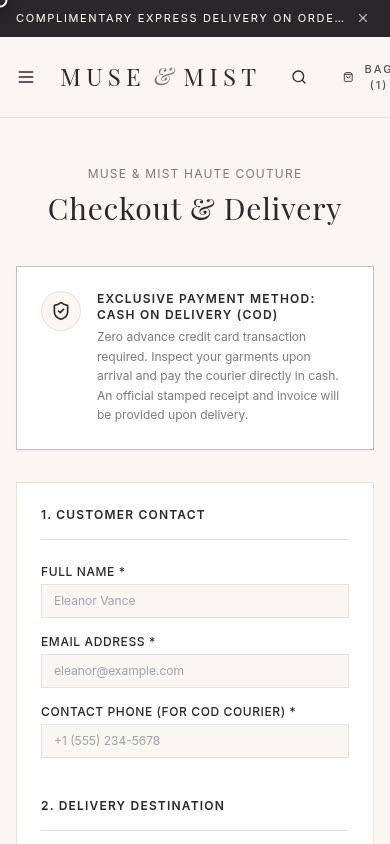
Visitors can discover products and choose exactly what they want — but how do they actually buy them? This step adds the shopping bag and checkout.
Prompt sections
| # | Section | Key instructions |
|---|---|---|
| 0 | Inspect first | Review product & variant data, PDPs, variant selection, SKU/inventory, routes, state management, design system. Build on the existing implementation — don’t rebuild. |
| 1 | Shopping cart | Separate entries per variant; adding the same variant increases quantity; update qty, remove, continue shopping, subtotal, empty-cart state. |
| 2 | Inventory | Block unavailable variants, cap quantities at stock, never silently replace a variant. |
| 3 | Persistence | Keep the cart across navigation and refreshes (server or client-side — document the limitation). |
| 4 | Checkout | Name, email, phone, delivery address; order summary with subtotal, shipping, total; validation. |
| 5 | Order flow | Re-validate and re-check stock, generate a unique reference, show a confirmation page, prevent duplicate orders. |
| 6 | Payment boundary | No real payment gateway — clearly label the flow as a demo, not production-ready. |
| 7–9 | Design, responsive, scope | Match the identity; desktop/tablet/mobile; no registration, accounts, admin, payments, or shipping yet. |
| 10 | Verify | Add items, preserve variants, change qty, stock limits, checkout, place order, duplicate submits, mobile layouts. |