Lesson 9Free preview
Step 5 — Product variants & detail pages
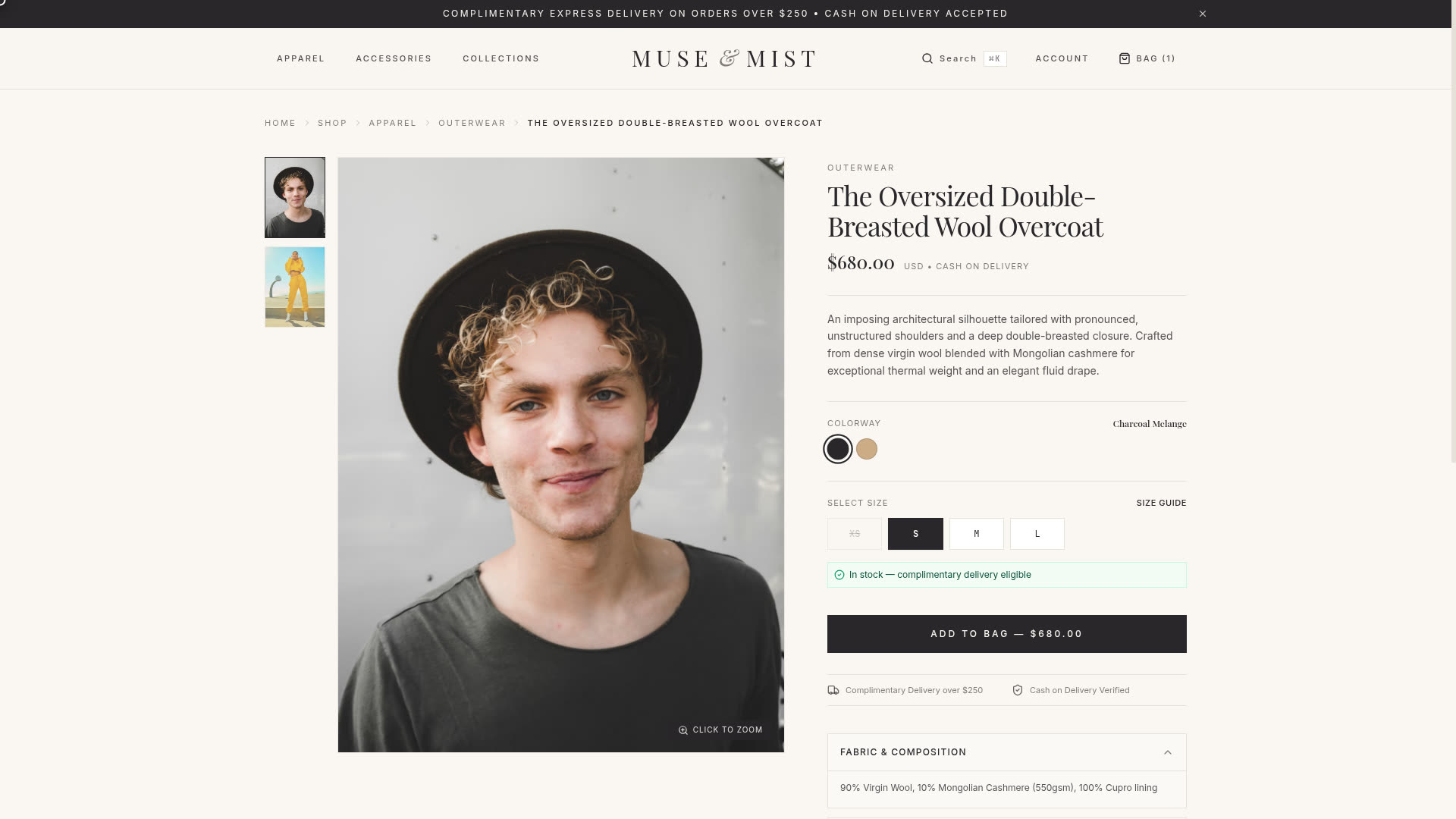
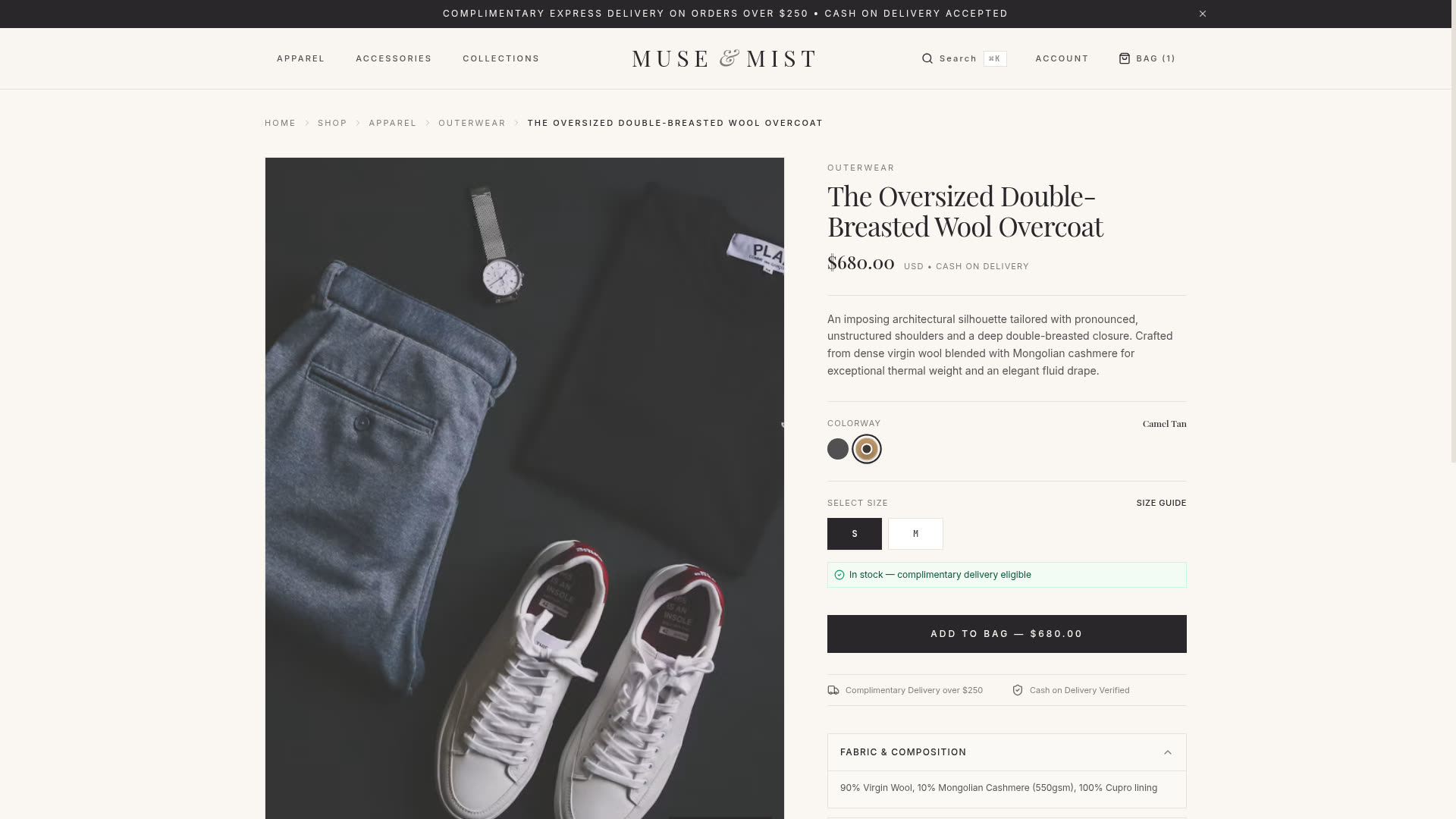
Fashion products come in sizes and colors — and not every combination is available. A dress might come in 3 colors × 4 sizes, but some of those 12 combinations may be sold out or never exist.
Core concept: variants
- Each real size + color combination is a variant with its own SKU and stock quantity.
- Product images are linked to their color.
- Availability updates when the visitor changes the selection.
- Out-of-stock combinations are clearly shown and cannot be selected.
How the prompt is structured
- Understand the existing project — homepage, identity, and catalog already exist; inspect product data, catalog components, routes, images, and the design system.
- Product detail page — info, description, image gallery, color & size selection, availability.
- Variant data model — unique id, SKU, stock, and images per real combination. Don’t generate combinations that don’t exist.
- Selector behavior — changing color updates images and available sizes; selecting a size resolves the exact variant. Distinguish “doesn’t exist” from “exists but out of stock”.
- Image gallery — main image, thumbnails, color-specific images.
- Inventory — stock belongs to variants; zero-stock variants are unavailable.
- Integration — link from the catalog without breaking filters, search, or sorting.
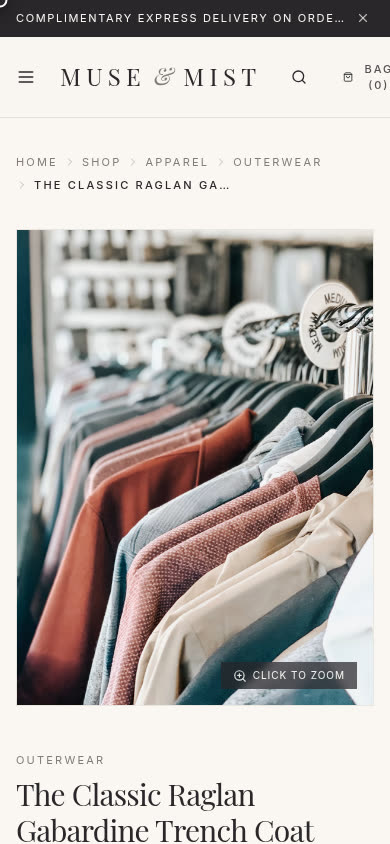
- Responsive — desktop, tablet, and mobile.
- Boundaries — no cart, checkout, auth, or admin yet.
- Verification — run the app and test pages, gallery, variant selection, SKU mapping, stock, and layouts.
The pattern to remember: Understand → Define → Set boundaries → Verify. We don’t want the agent to just say it’s done — we want it to check.