Lesson 8Free preview
Step 4 — Product catalog (vague vs. specific prompts)
Visitors need a proper way to explore products. Before building, this lesson shows how a better prompt gets better results.
The vague prompt
Create a product catalog for Muse & Mist.Sounds reasonable — but it answers none of the real questions: categories? search? sorting by price? what does each card show? how should it match the existing design?
The specific prompt — four parts
| Part | What we wrote |
|---|---|
| Goal | Create a dedicated product catalog for Muse & Mist. |
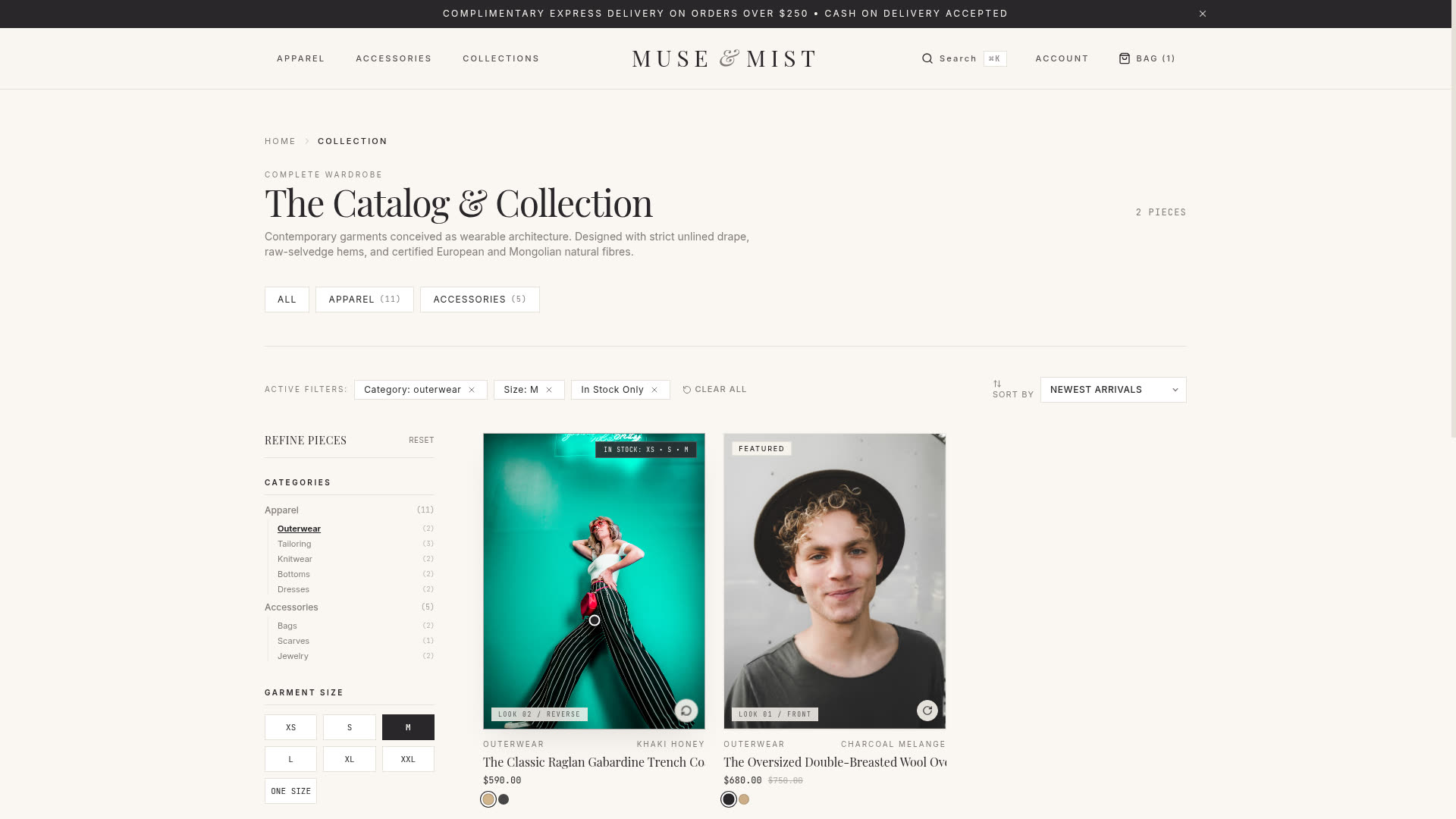
| Features | Responsive product grid, category filtering, product search, sorting options. |
| Behavior | Selecting a category updates the products shown; search finds products by name; sorting changes result order. |
| Design context | Follow the established colors, typography, spacing, and product-card styling. |
| Boundaries | No product variants, inventory management, shopping cart, or checkout yet. |
Rule: don’t just describe what you want — give the agent enough context to understand what a successful result looks like.
Result
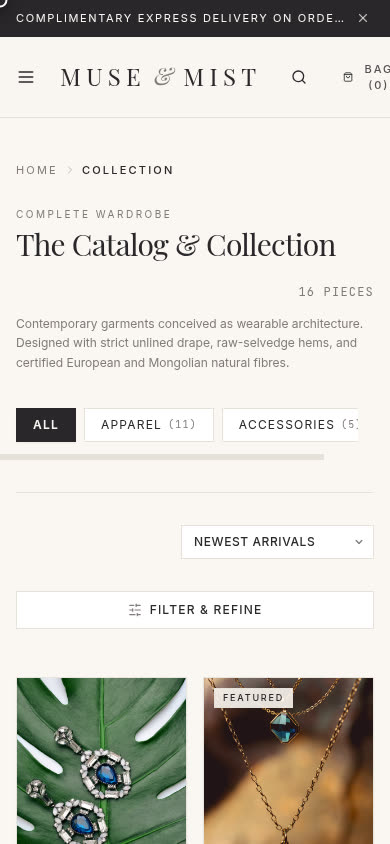
Antigravity inspected the codebase, updated the product data, created the catalog page, connected navigation, and summarized every changed file. In the browser: category filters update instantly, search filters by name, sorting works low→high and high→low, and reset restores the full collection — on mobile too.