Lesson 13Free preview
Resources, links & prompt templates
Official links
- Google Antigravity — https://antigravity.google
- Antigravity download page — https://antigravity.google/download
- Cursor — https://cursor.com
- Claude Code — https://claude.com/claude-code
- Node.js (LTS) — https://nodejs.org
Downloads
Reusable prompt skeleton
Copy this for every new step of your own project:
## Context
[Project + brand]. Already implemented: [previous steps].

## First: inspect the existing implementation
Review [data structures, routes, components, state, design system].
Build on the existing implementation. Do not rebuild or replace it.

## What to build in this step
[One focused feature.]

## Required behavior
- [What happens when the user does X]
- [Edge cases: empty, unavailable, invalid input]

## Design & responsive requirements
Follow the existing visual identity. Desktop, tablet, and mobile.

## Boundaries — do NOT build yet
- [Feature saved for a later step]

## Verification
Run the application and test:
- [Each behavior above]
Report what you tested, what you fixed, and what remains.
The 5-question formula
- What are we building? — the project and brand context.
- What should the agent create in this step? — one focused task.
- Which features or elements should be included? — and how they should behave.
- What should it avoid building for now? — explicit boundaries.
- What is the expected result? — plus how the agent should verify it.
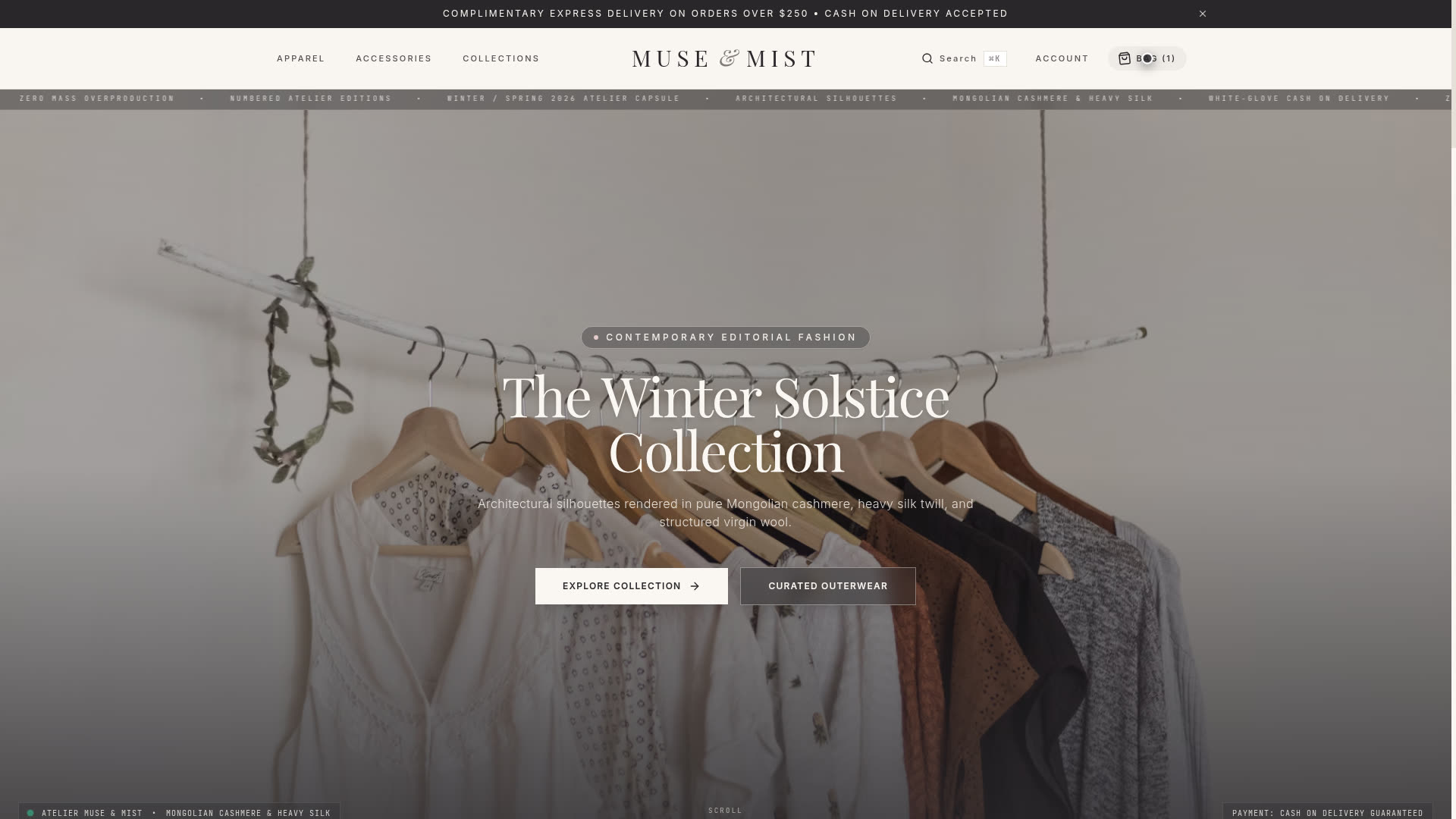
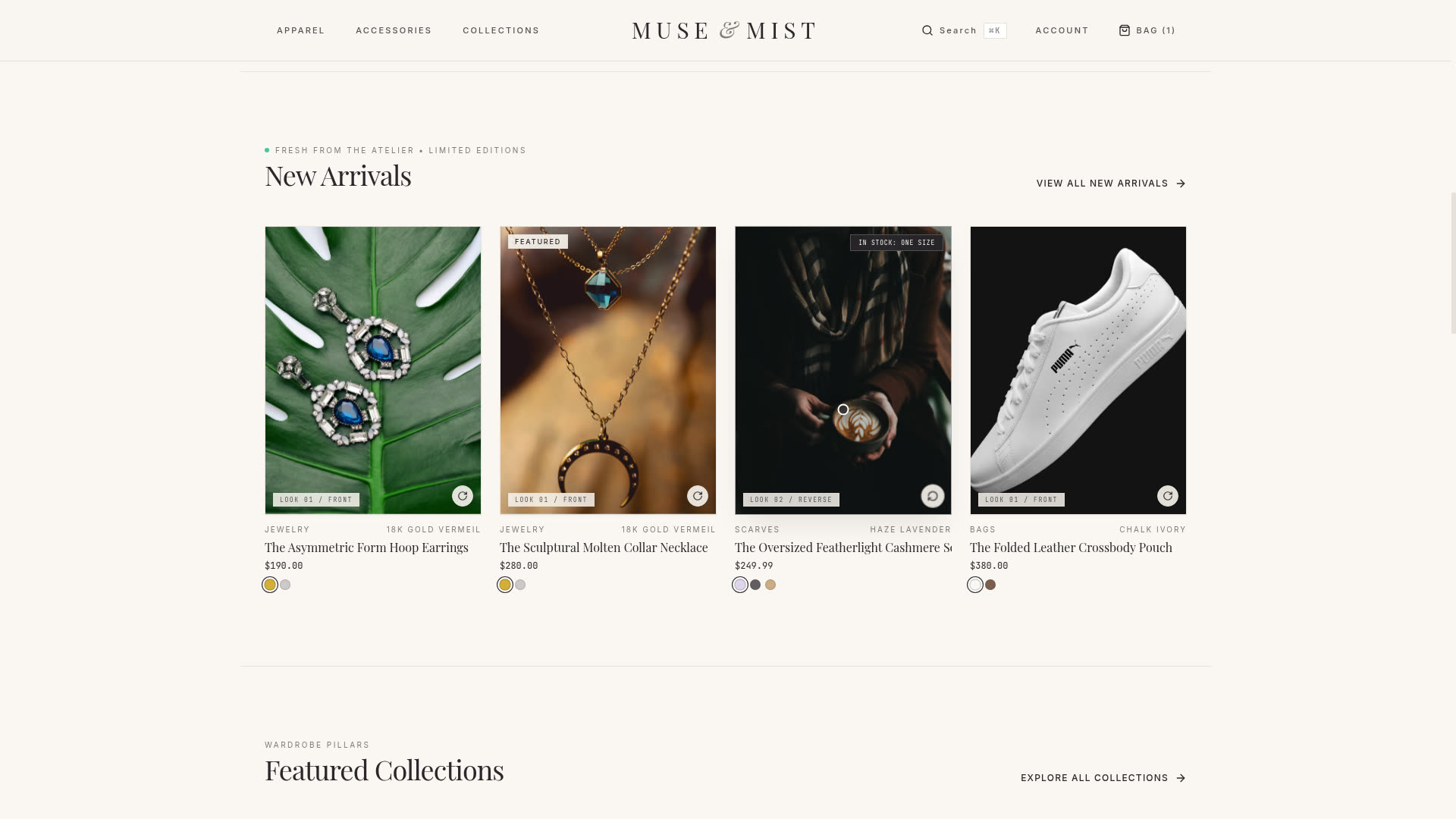
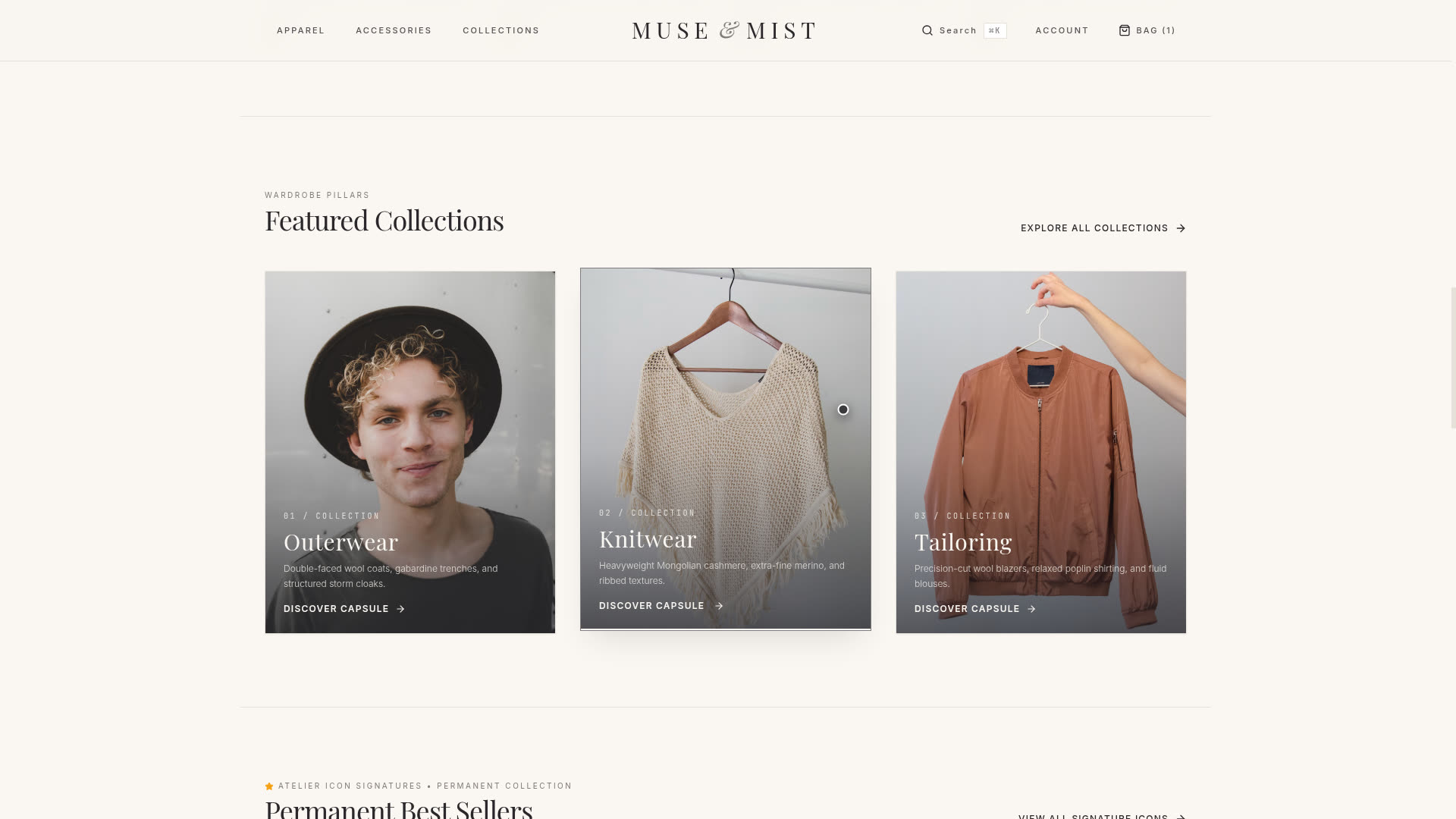
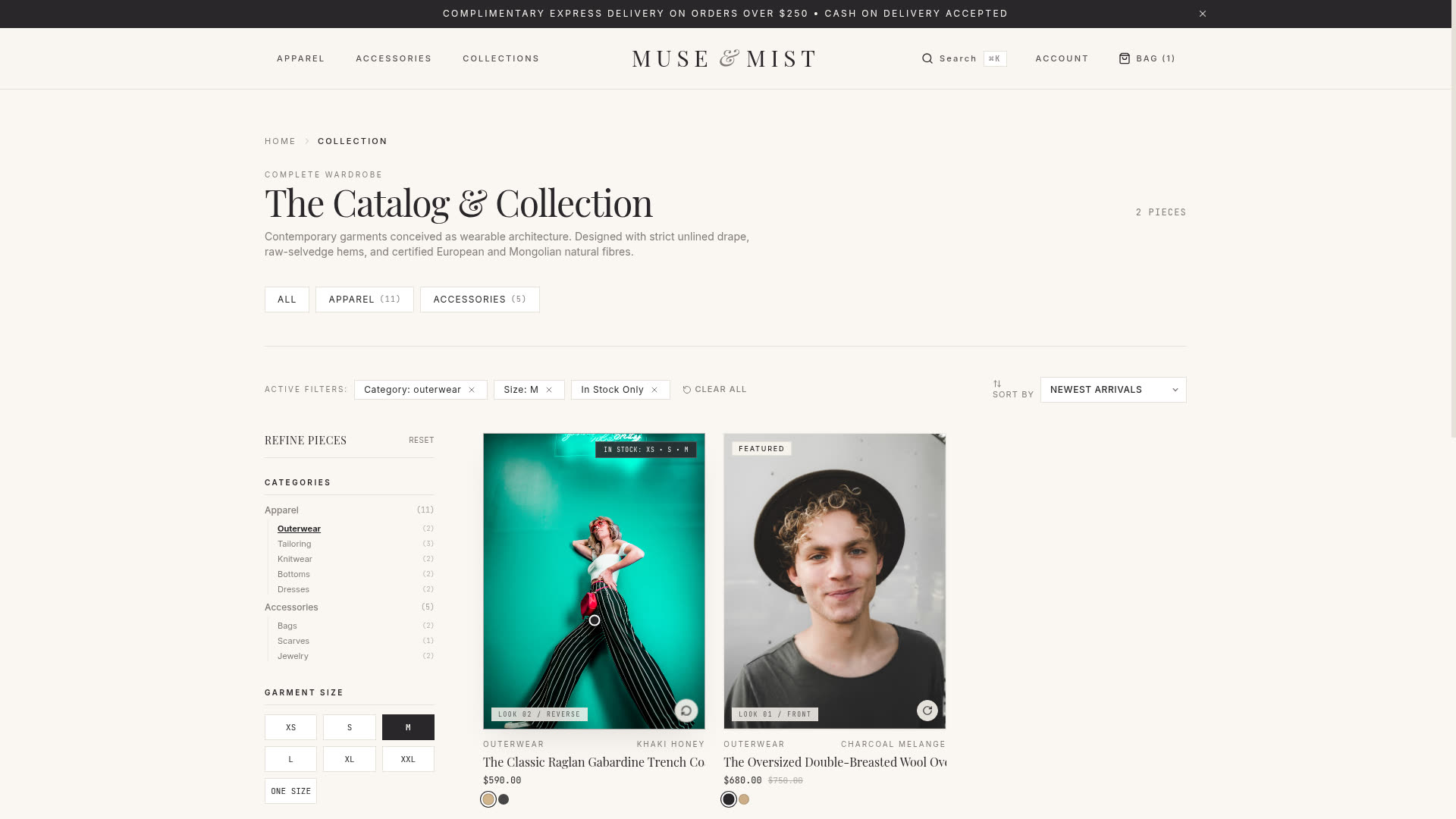
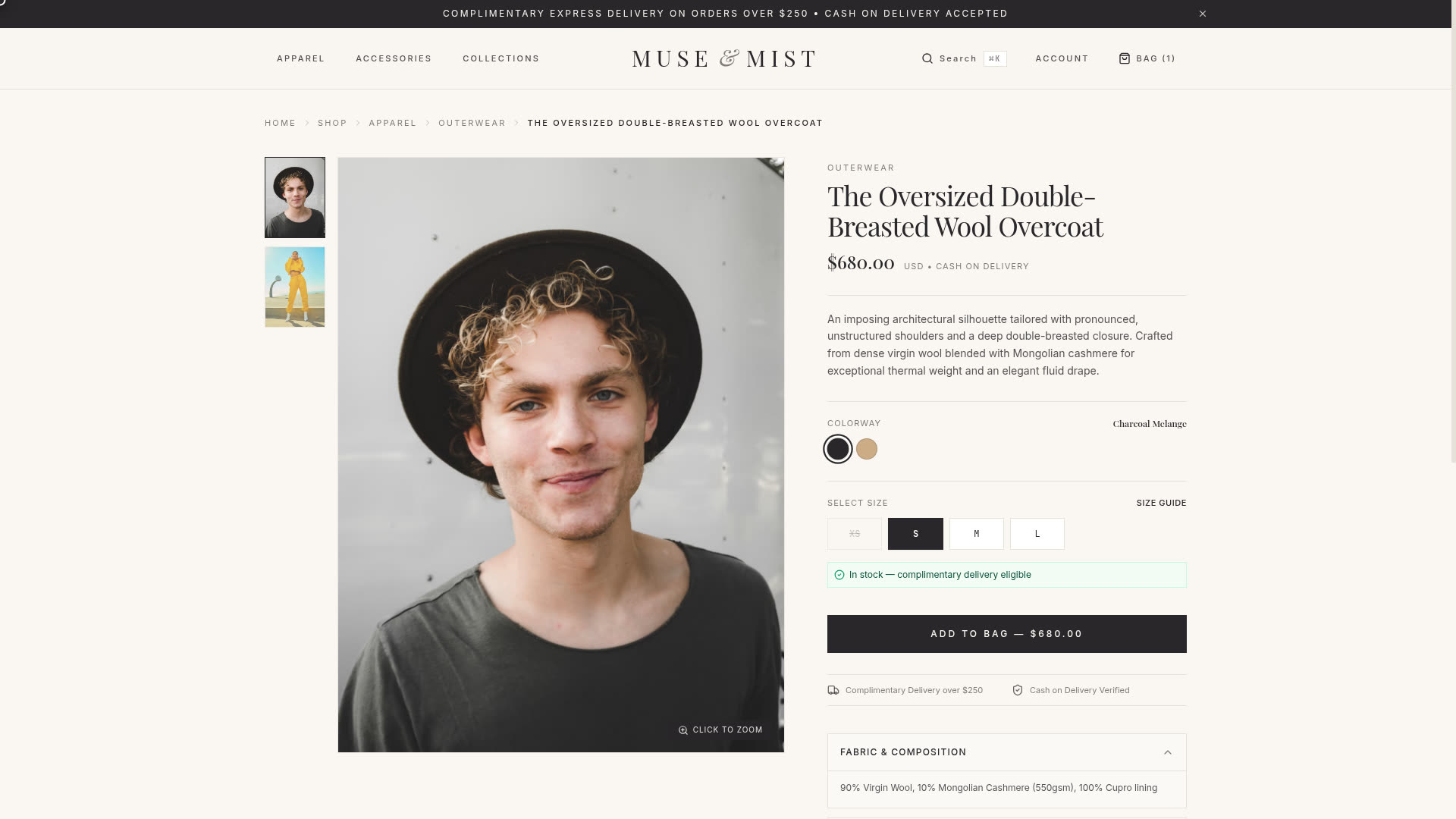
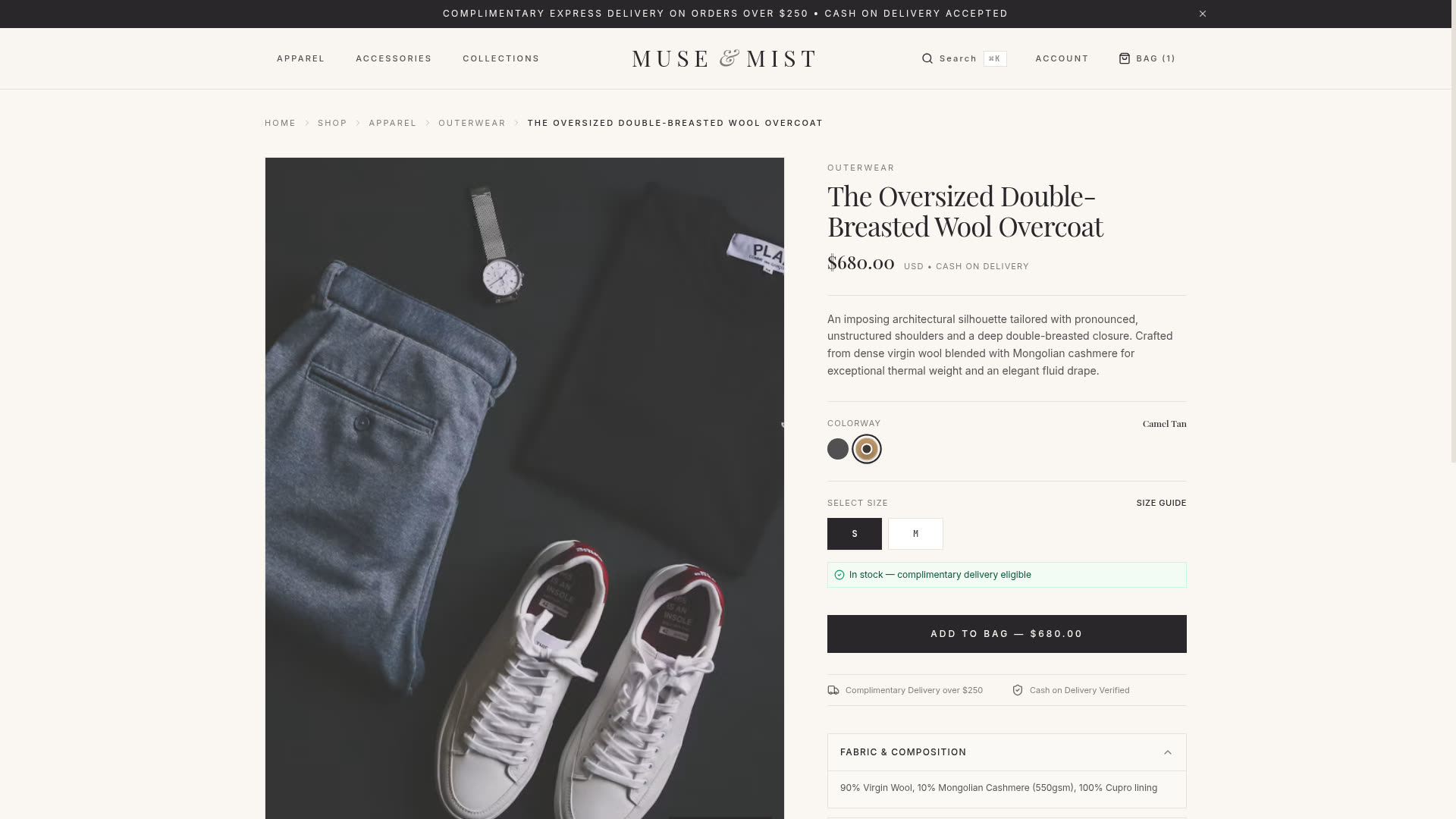
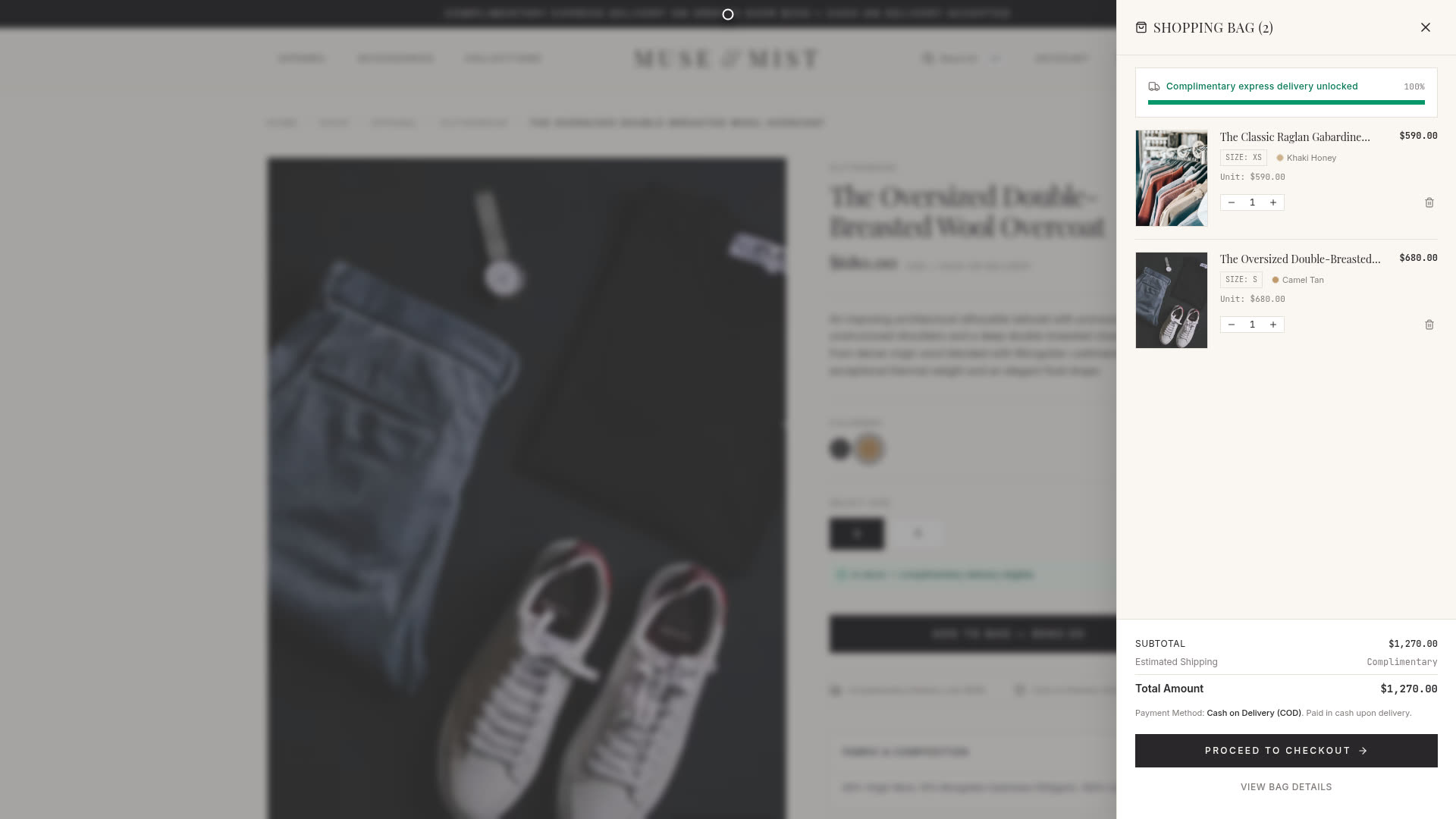
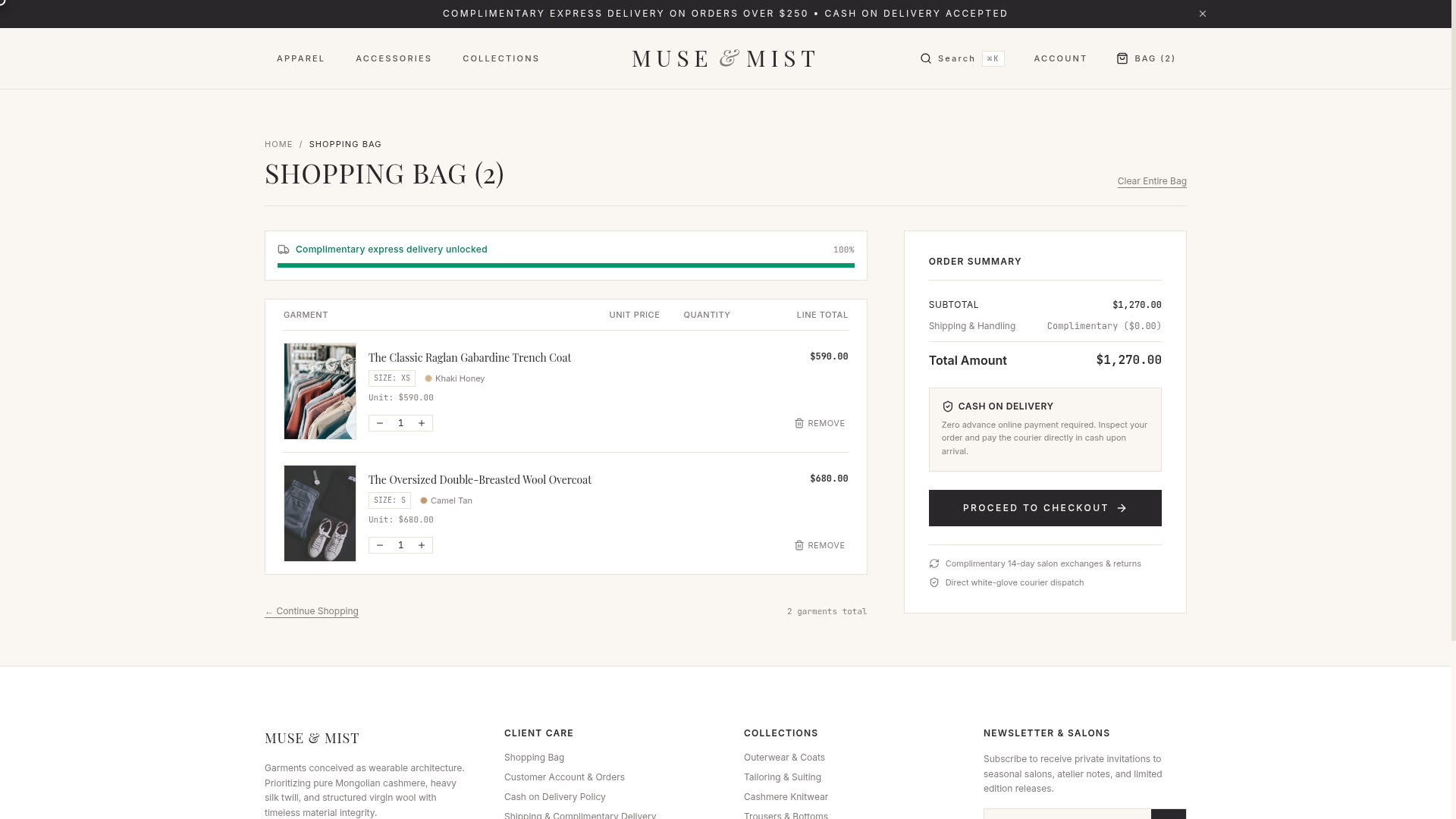
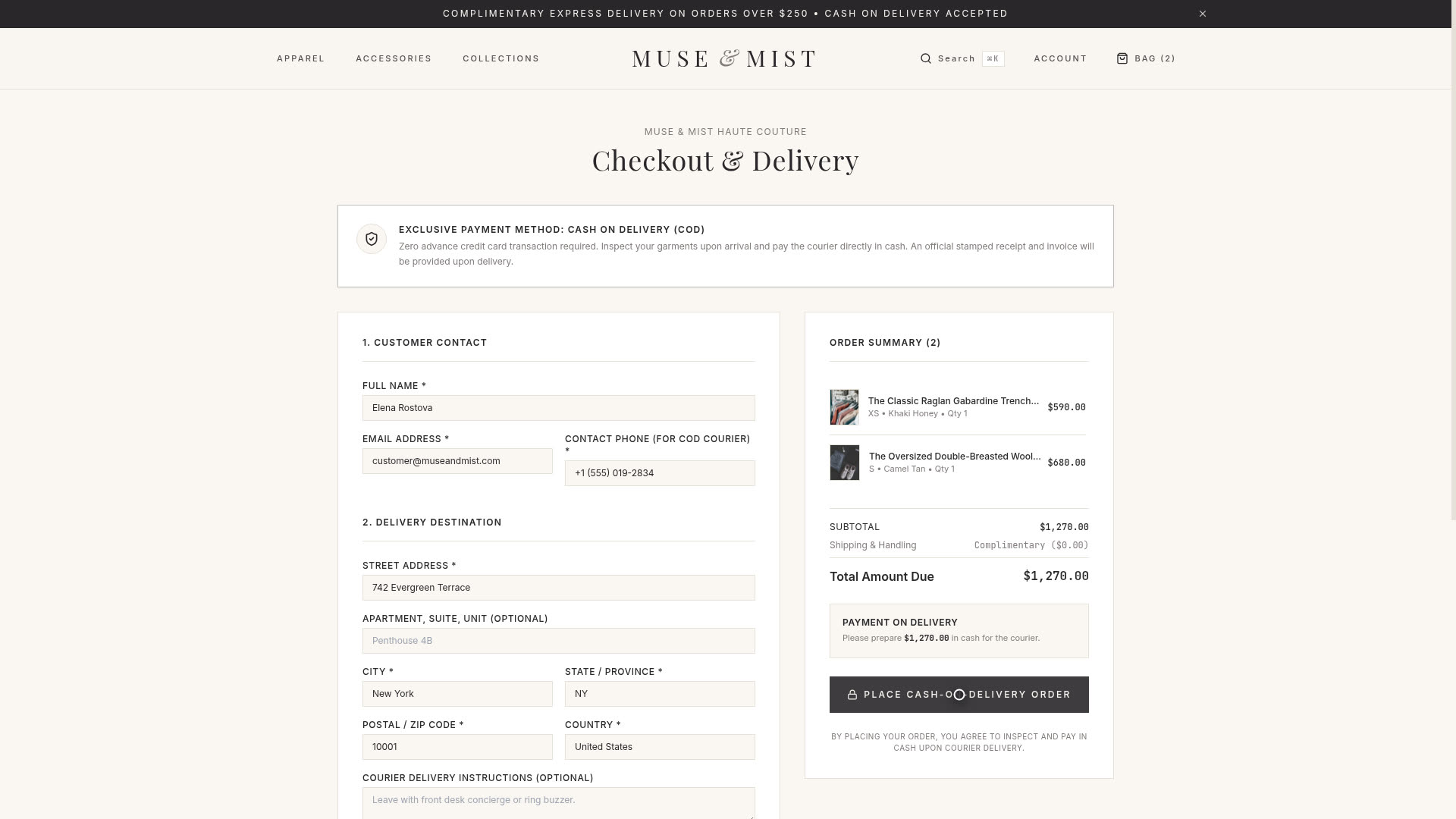
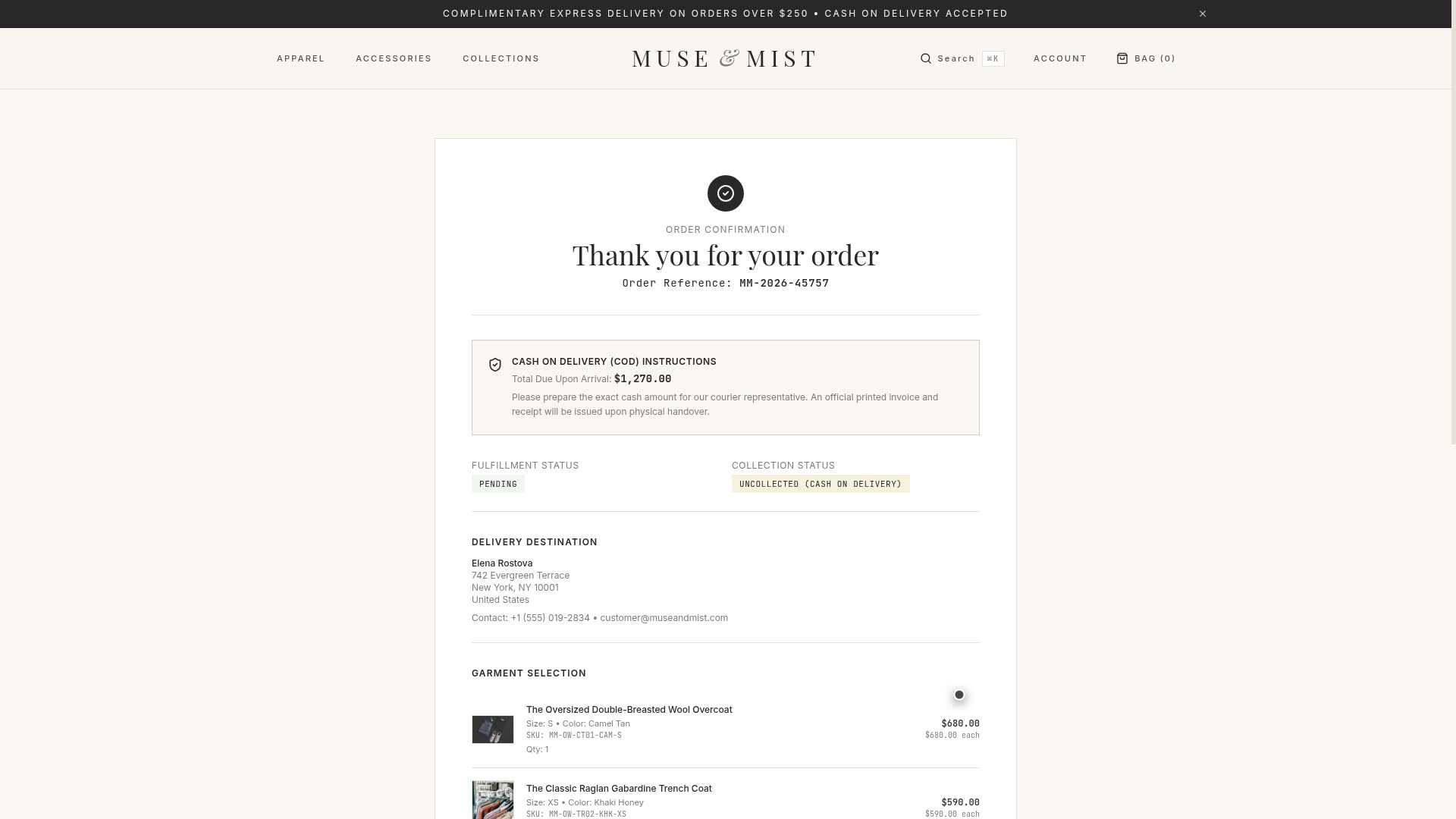
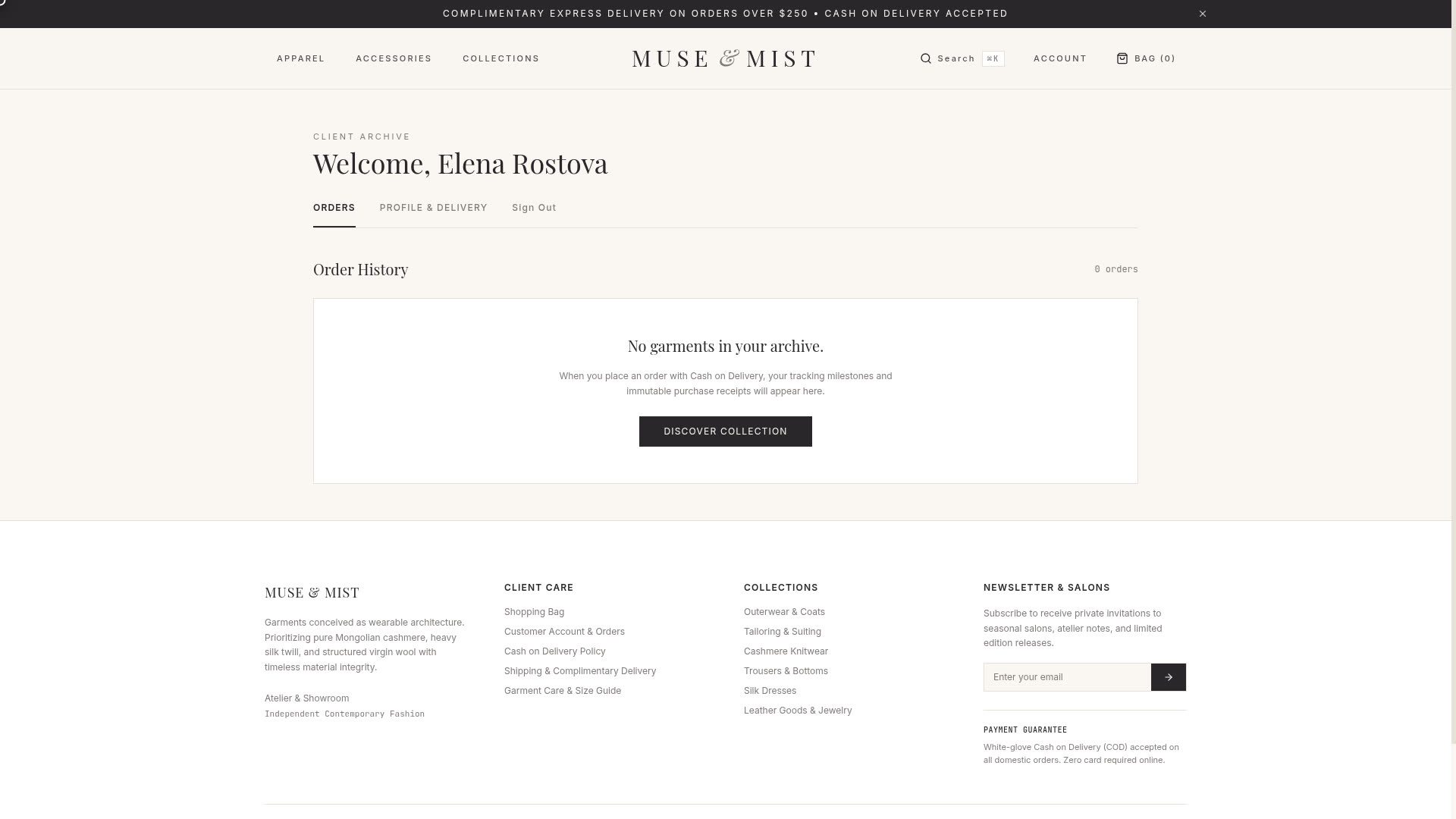
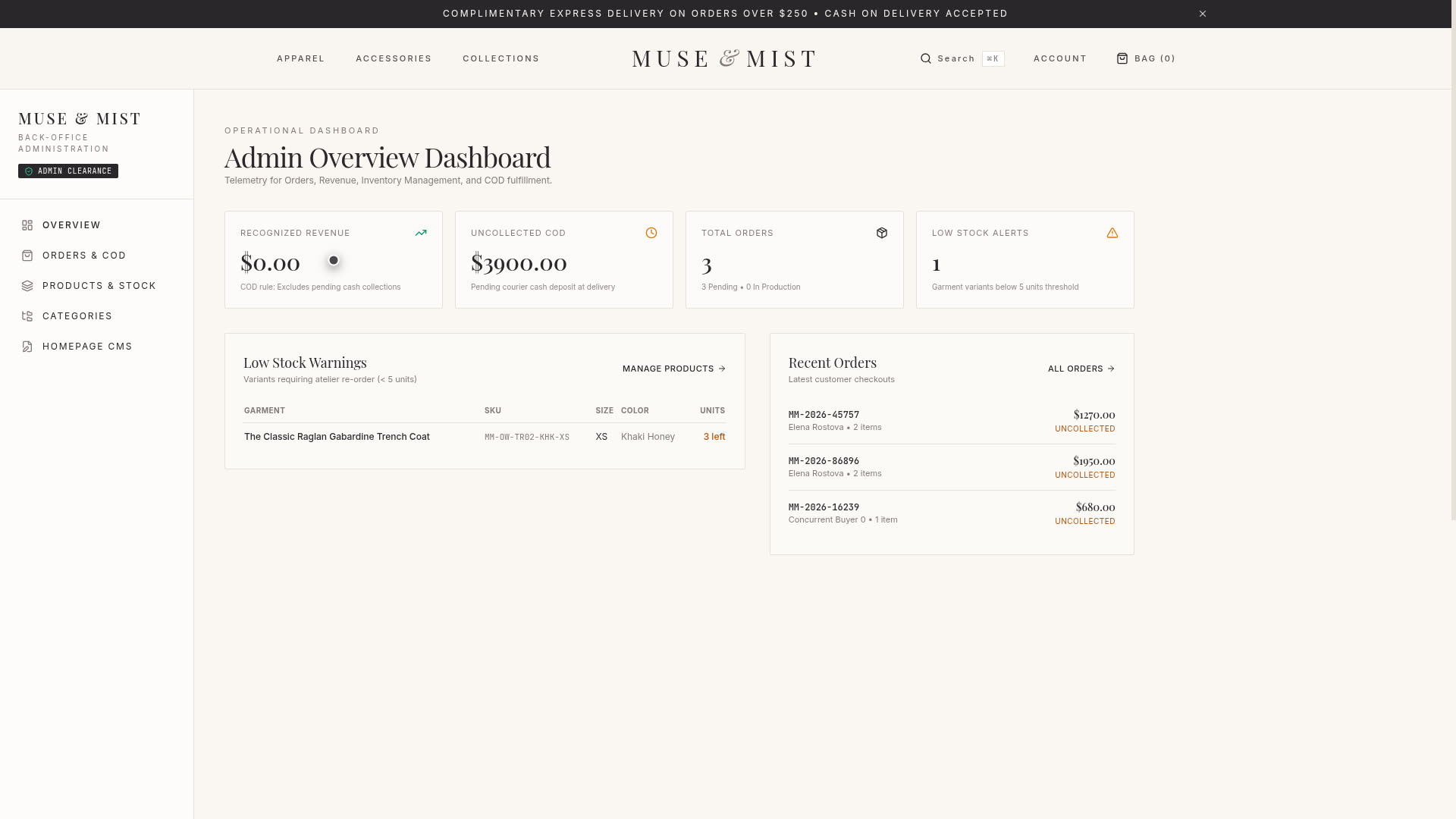
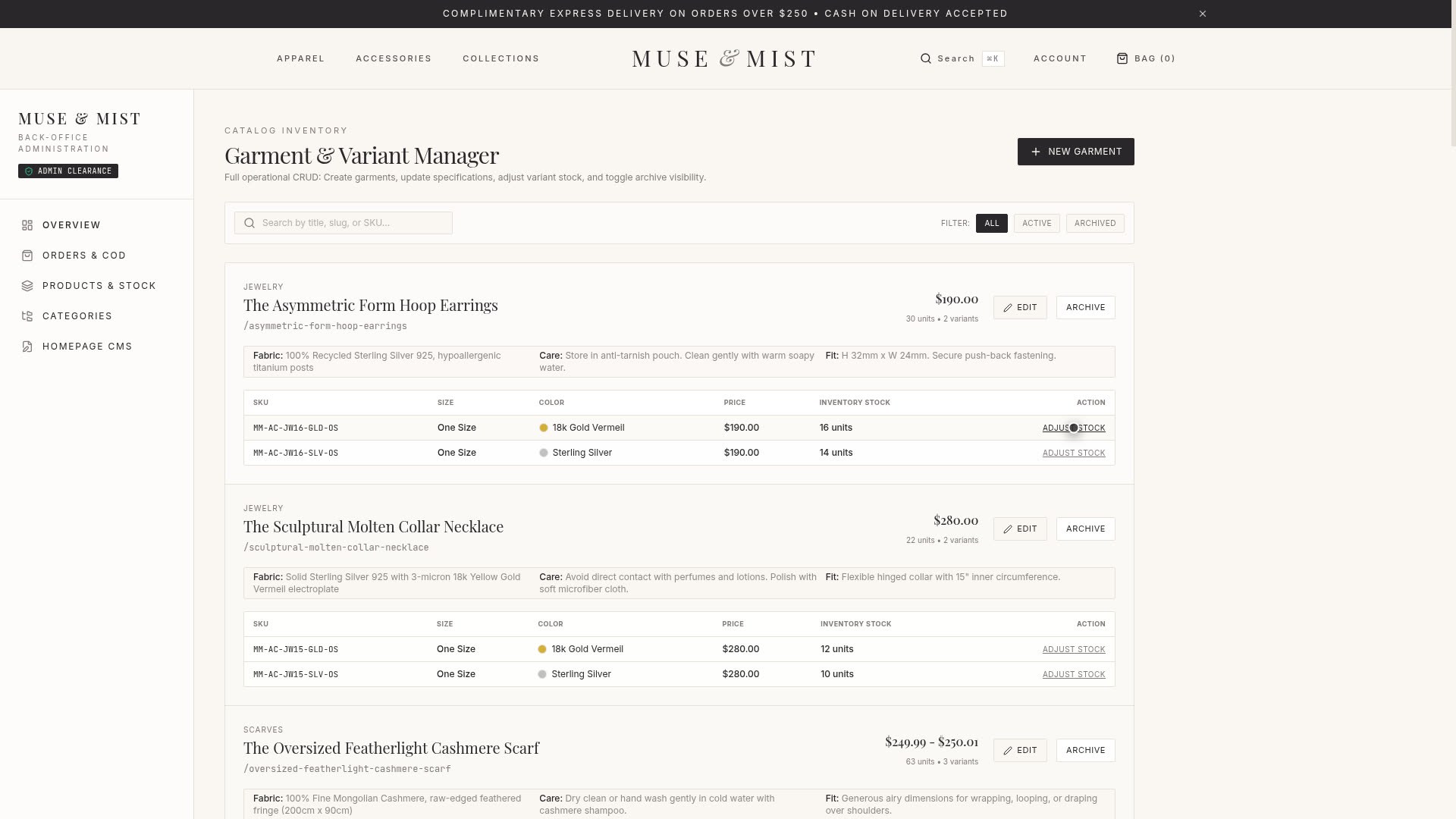
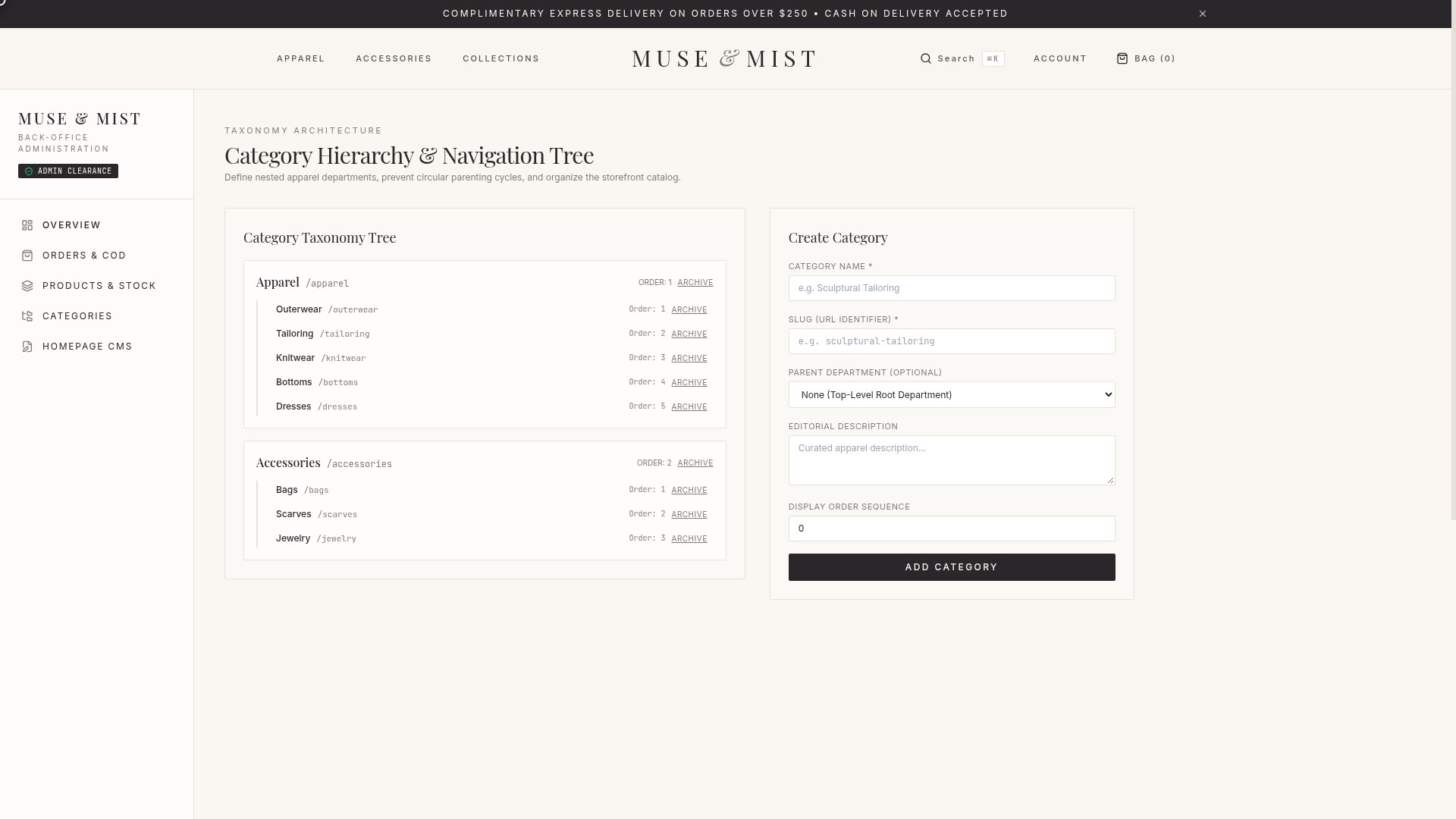
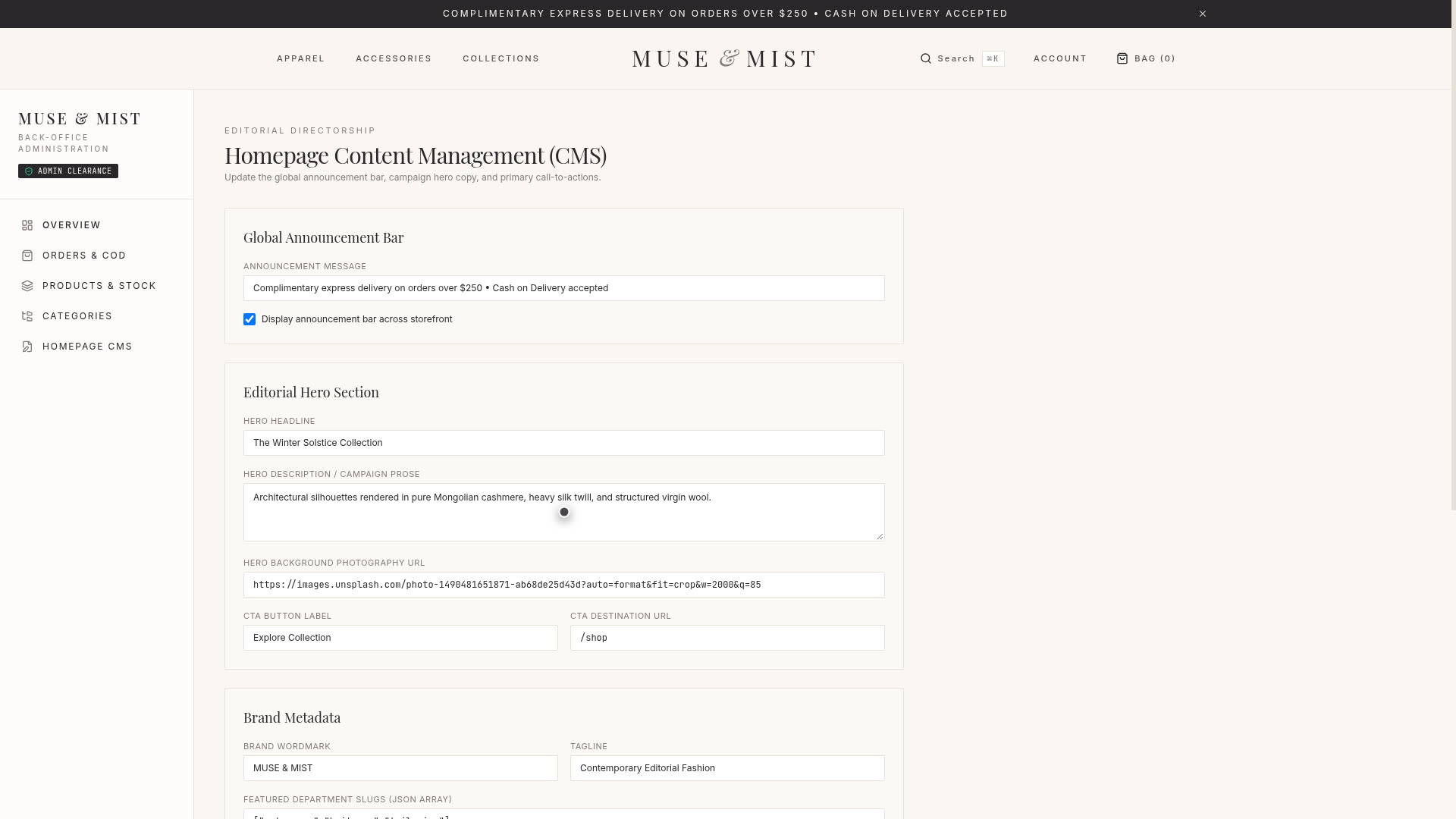
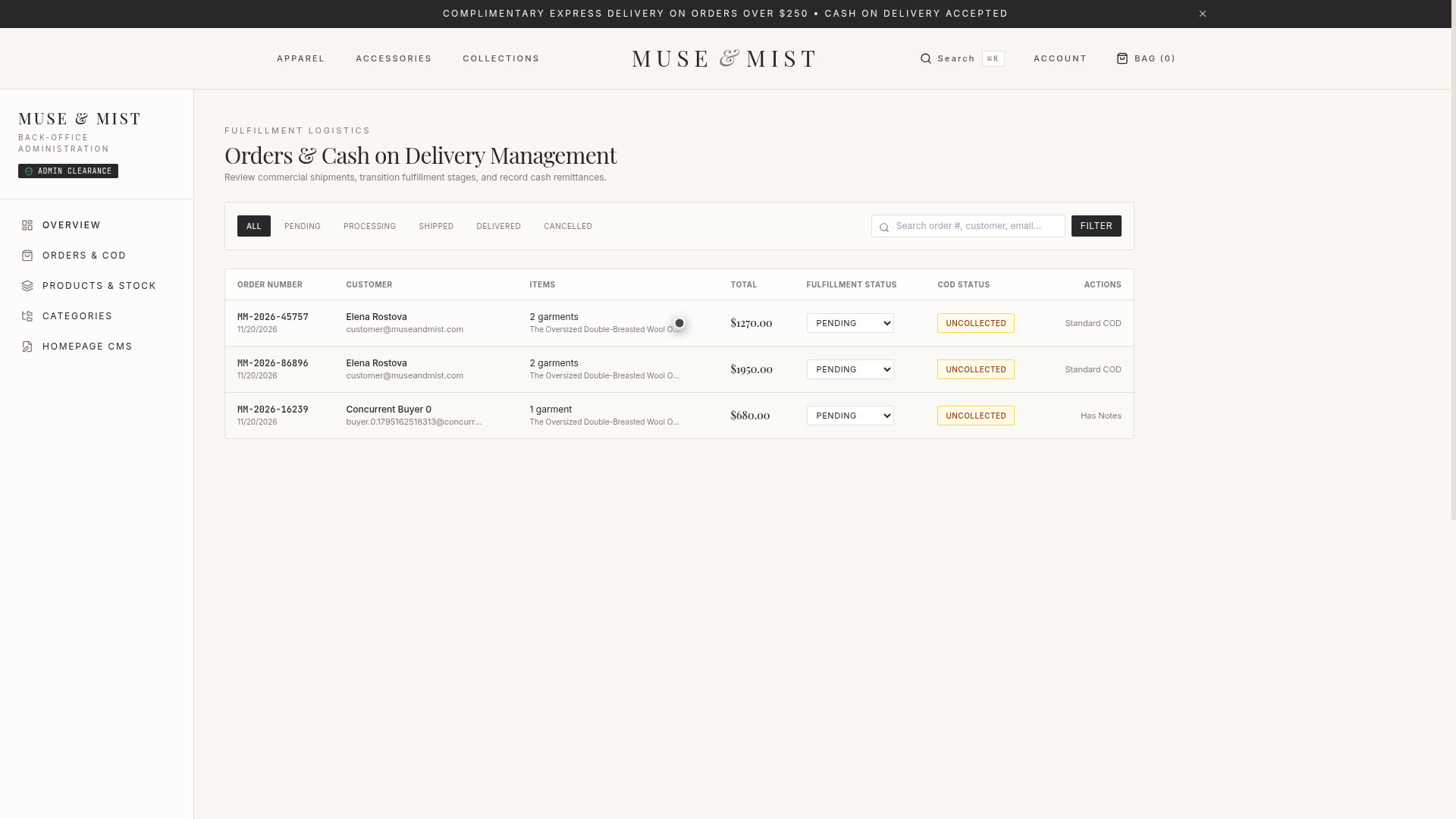
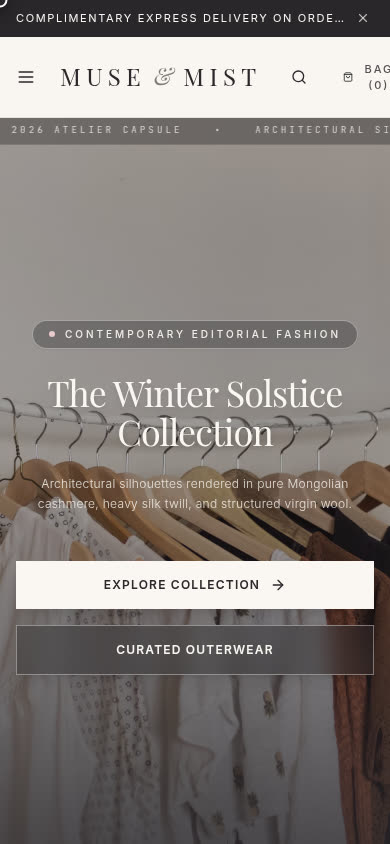
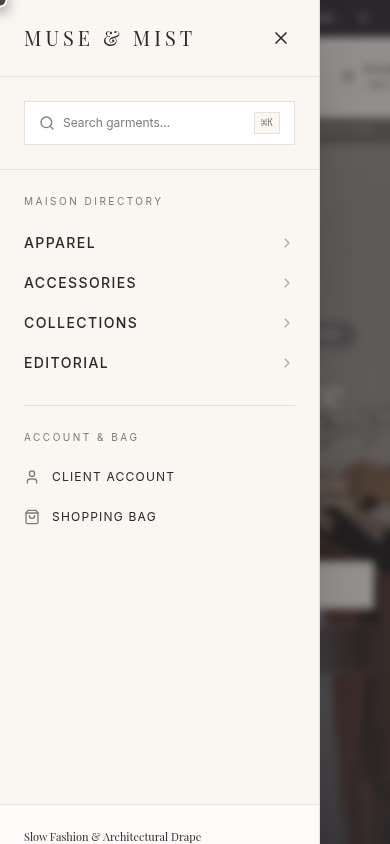
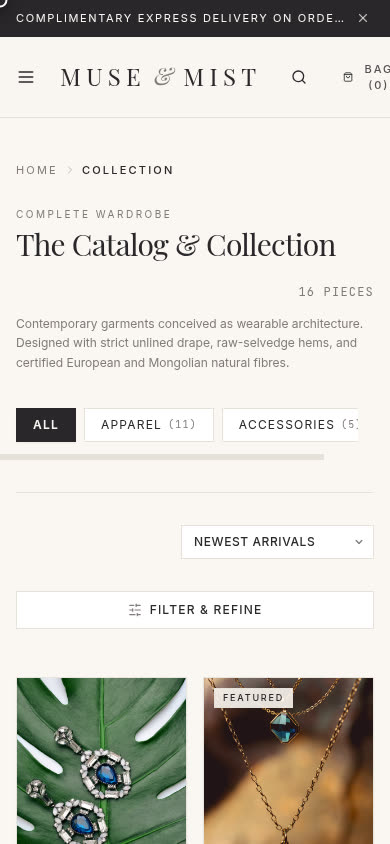
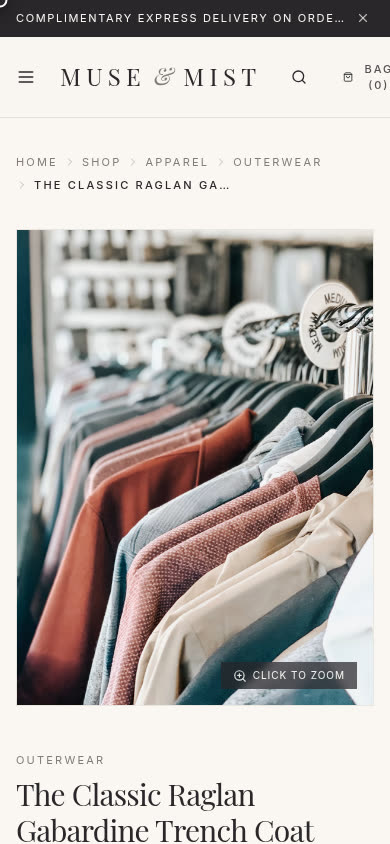
Finished app gallery